Editing ingredients
Updated 2026-09-13
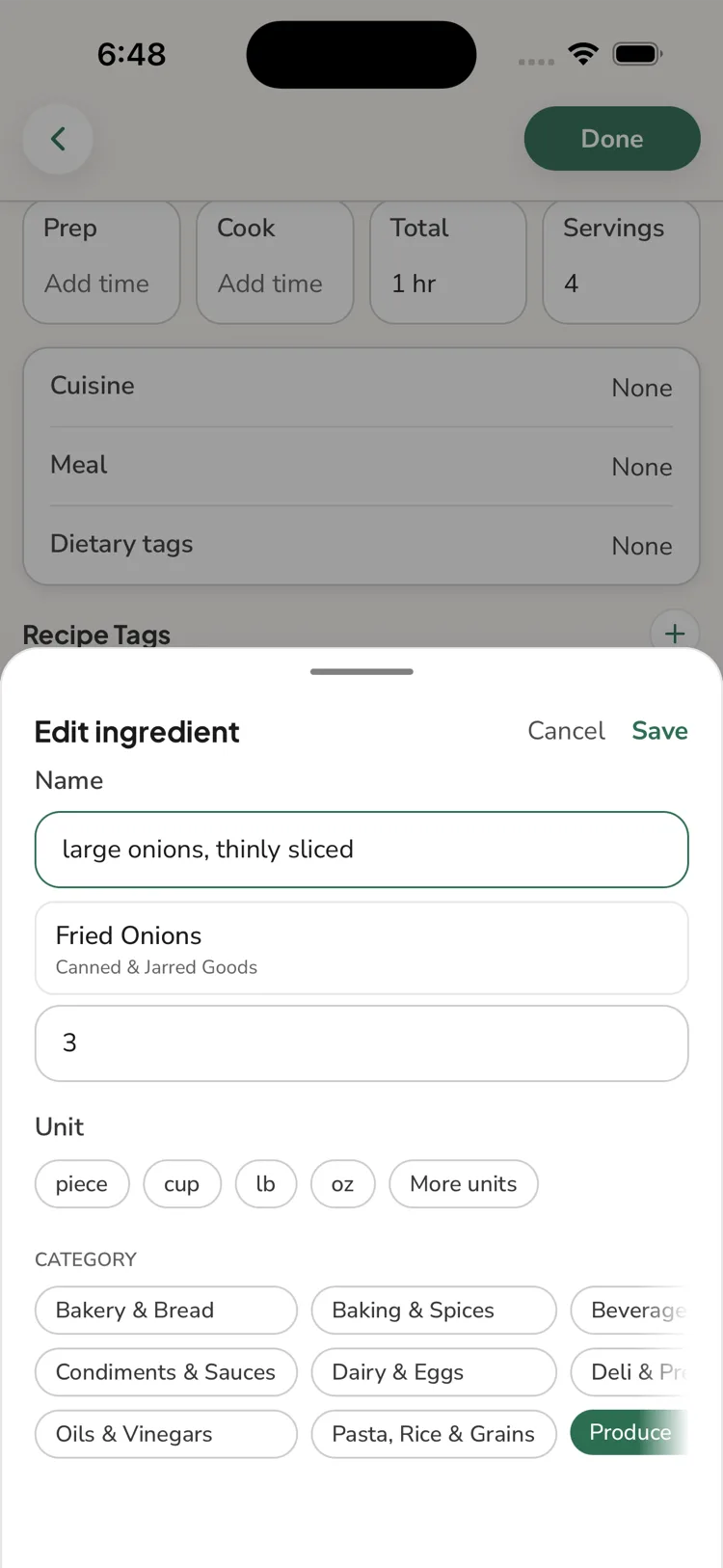
In the recipe editor, open the ingredients section. For each ingredient you can set:
- Quantity and unit
- Name
- Prep note (e.g. "finely chopped")
- Category (which grocery aisle it belongs to)
You can also add and remove ingredients, drag to reorder, and create groups (a heading like "For the marinade" with its ingredients under it) — useful when an import ran everything together.
Why the name matters
The ingredient name is what ReciLore uses to match your pantry staples and to combine items on the grocery list. If an import left an odd or overly specific name, simplifying it improves both — see How ReciLore matches ingredients.
Questions this answers
- How do I fix an ingredient that imported wrong?
- How do I add ingredient groups like "For the sauce"?
- How do I reorder ingredients?
Still need help?
Email us at [email protected] and we'll get back to you.